How to Login to Your Account With 2FA Enabled
AUGUST 25, 2026

Step 1:
- To access the login page, click on Login found at the top-right hand side of the browser.
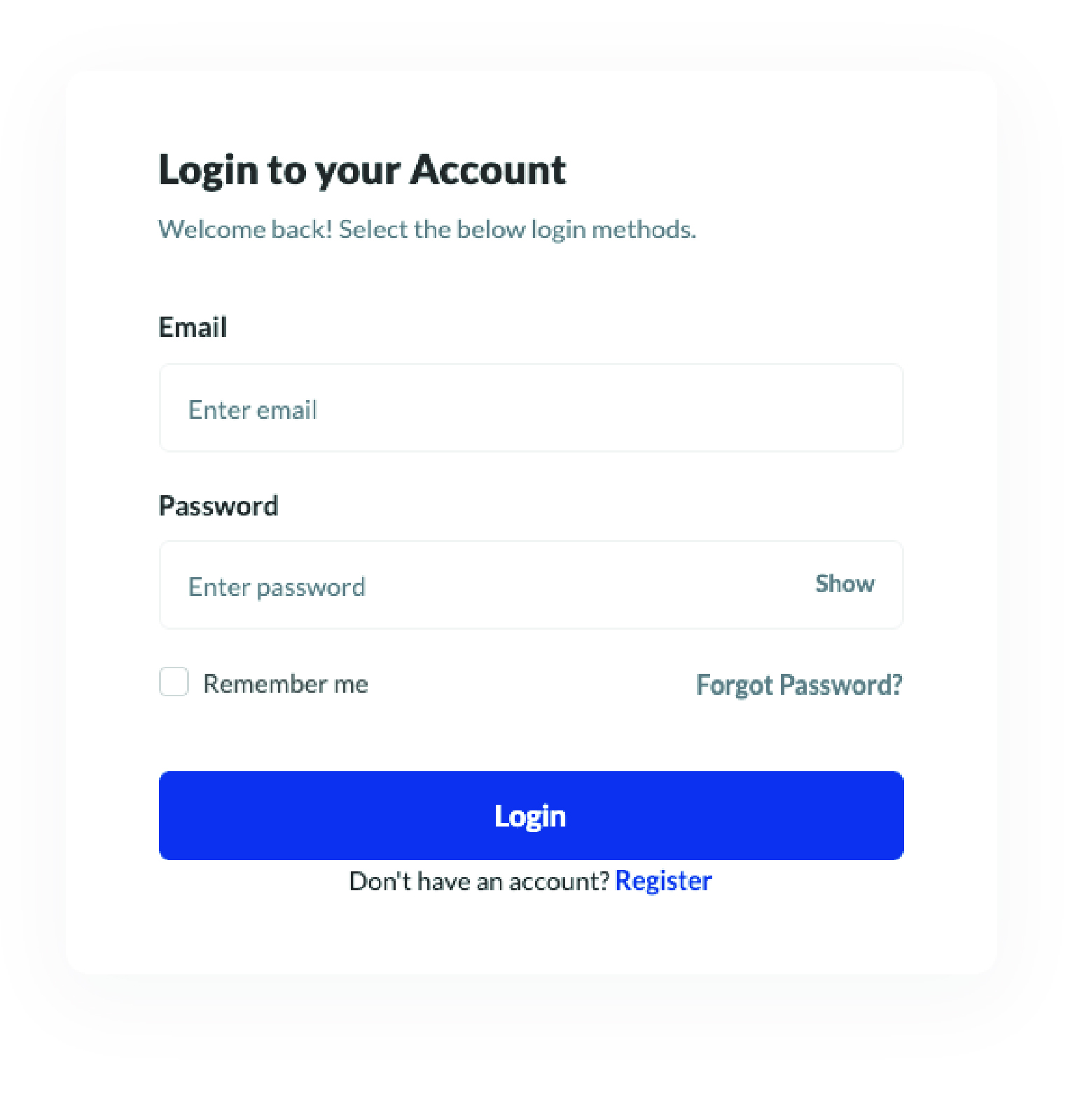
You will be prompted to complete a form.
It contains the following fields:
- Password
Step 2:
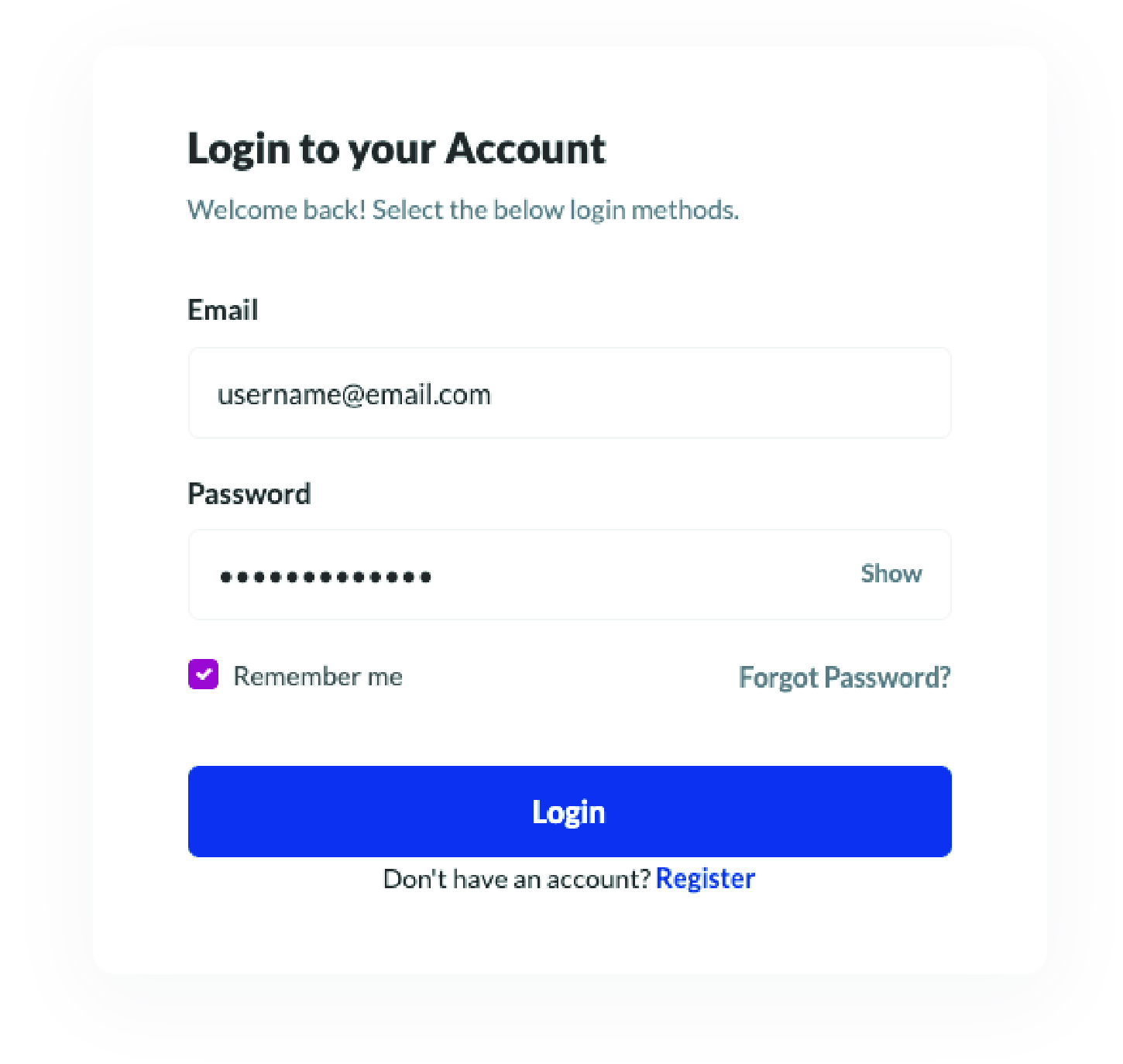
- Start by entering your login credentials. This would be the email address and password you entered during registration.
- If you want to save these credentials, select Remember me.
Step 3:
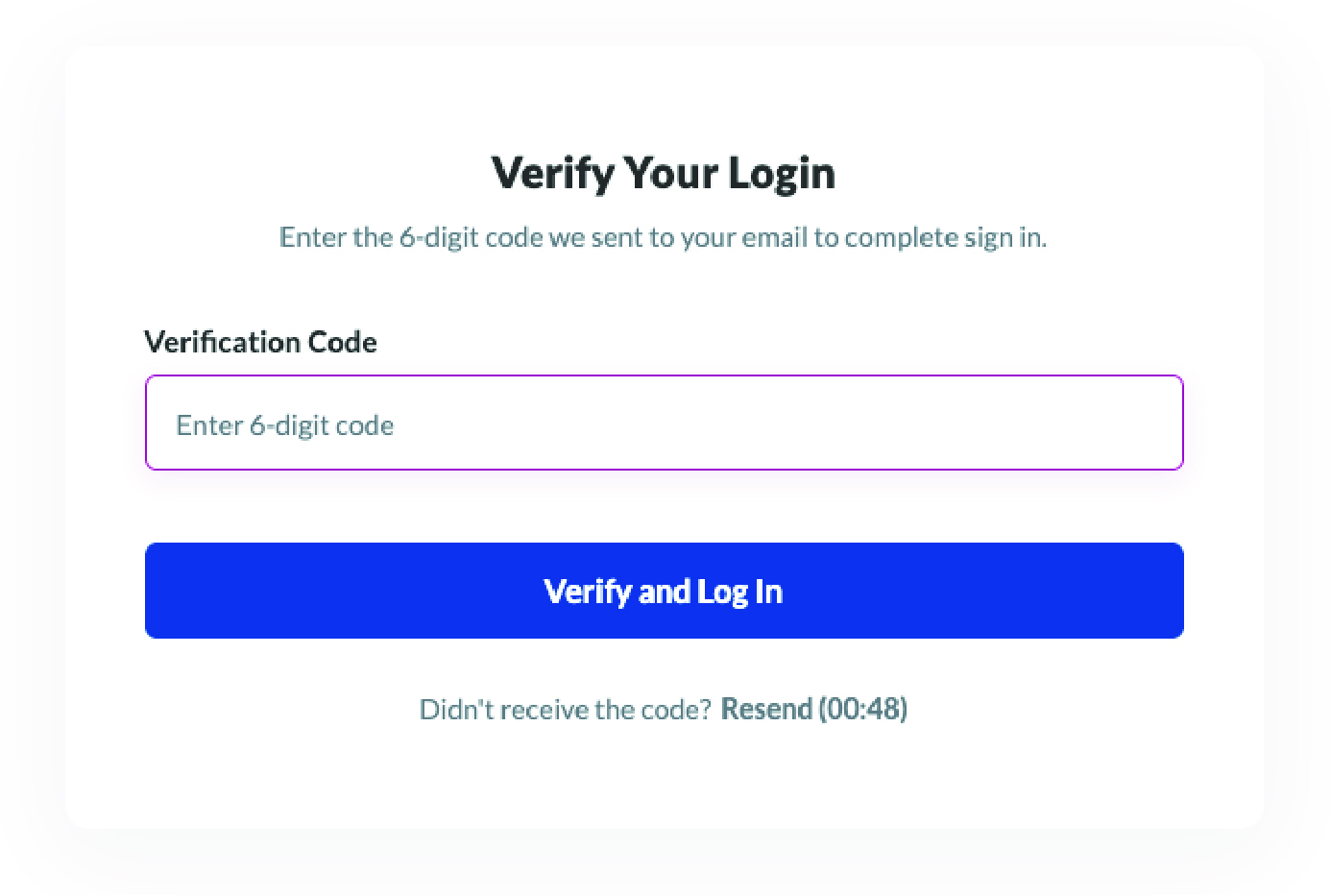
- A 6-digit verification code will be sent to your email.
Step 4:
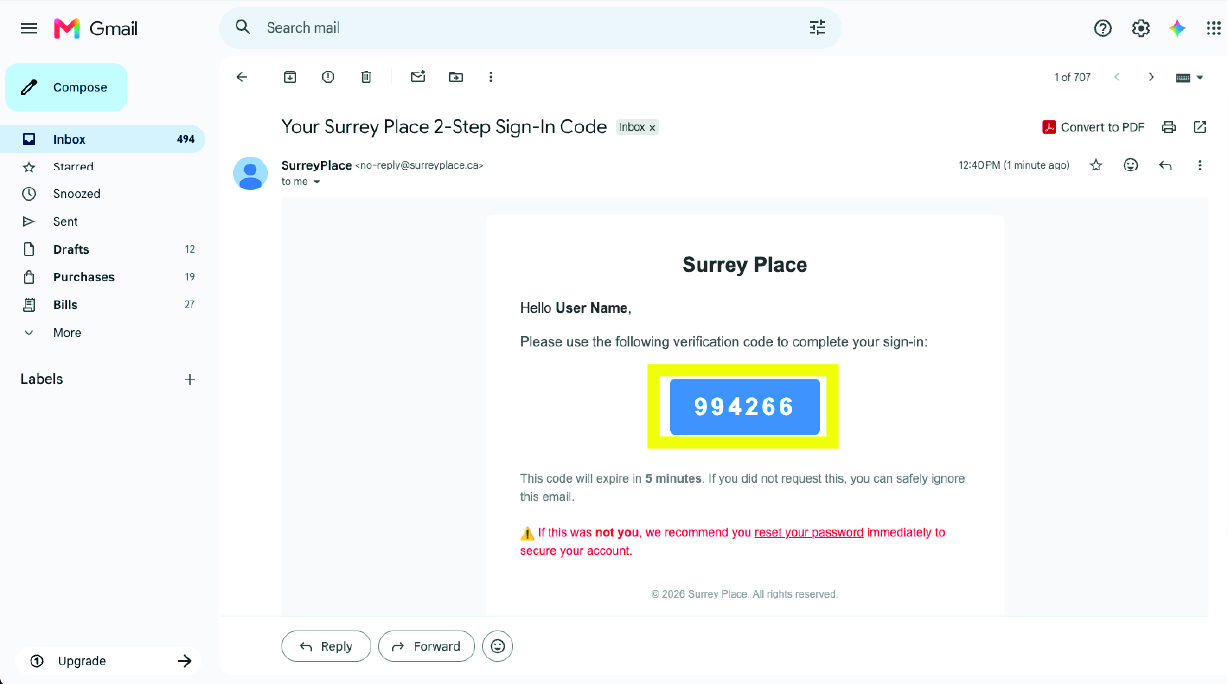
- Navigate to your inbox and copy the 6-digit code from the email.
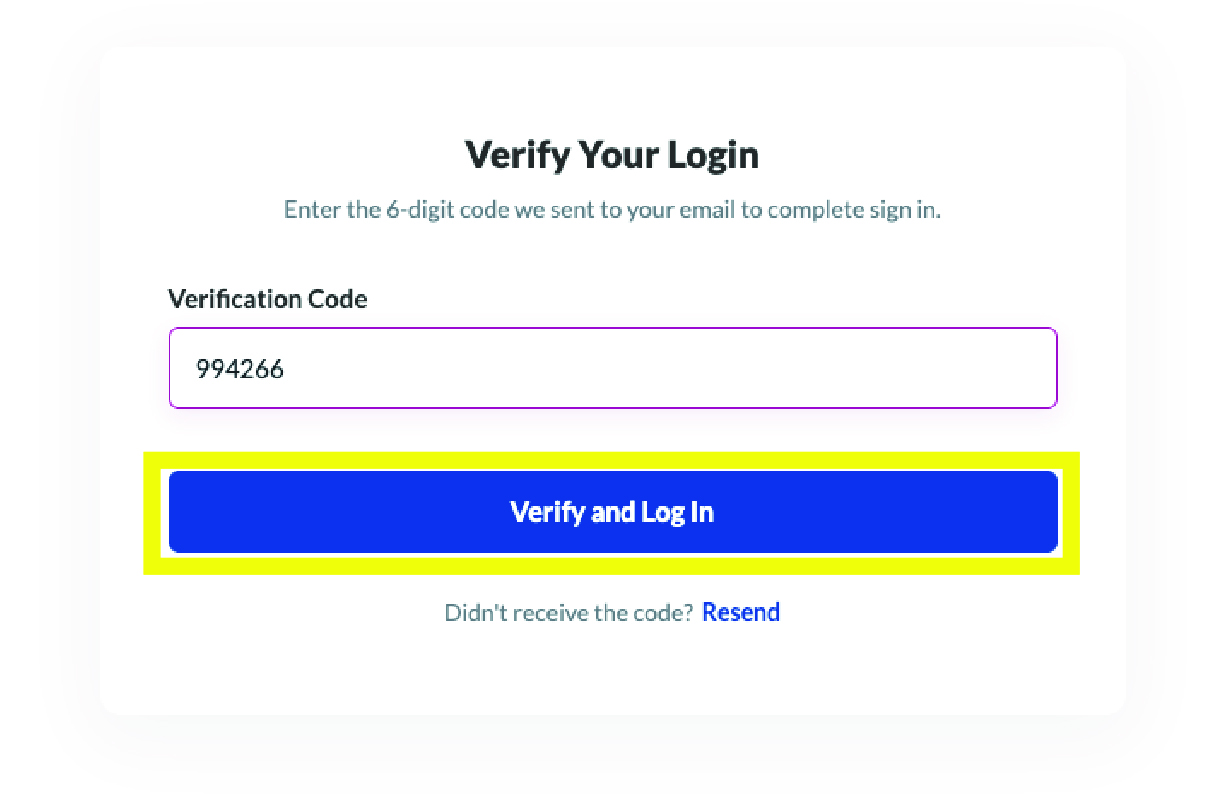
Step 5:
- Enter the 6-digit code that you copied from your email.
- Then select Verify and Log In.

 Invert Colors
 Dark Contrast
 Low Saturation
 Highlight Links
 Text Spacing
 Text Size
 Readable Font
 Reading Cursor
 Line Height
 Text Alignment
 Align Left
 Align Center
 Justify Text