How to Register a New Account
AUGUST 24, 2026

Step 1:
To access the Registration form, click Register found at the top-right hand side of the browser.
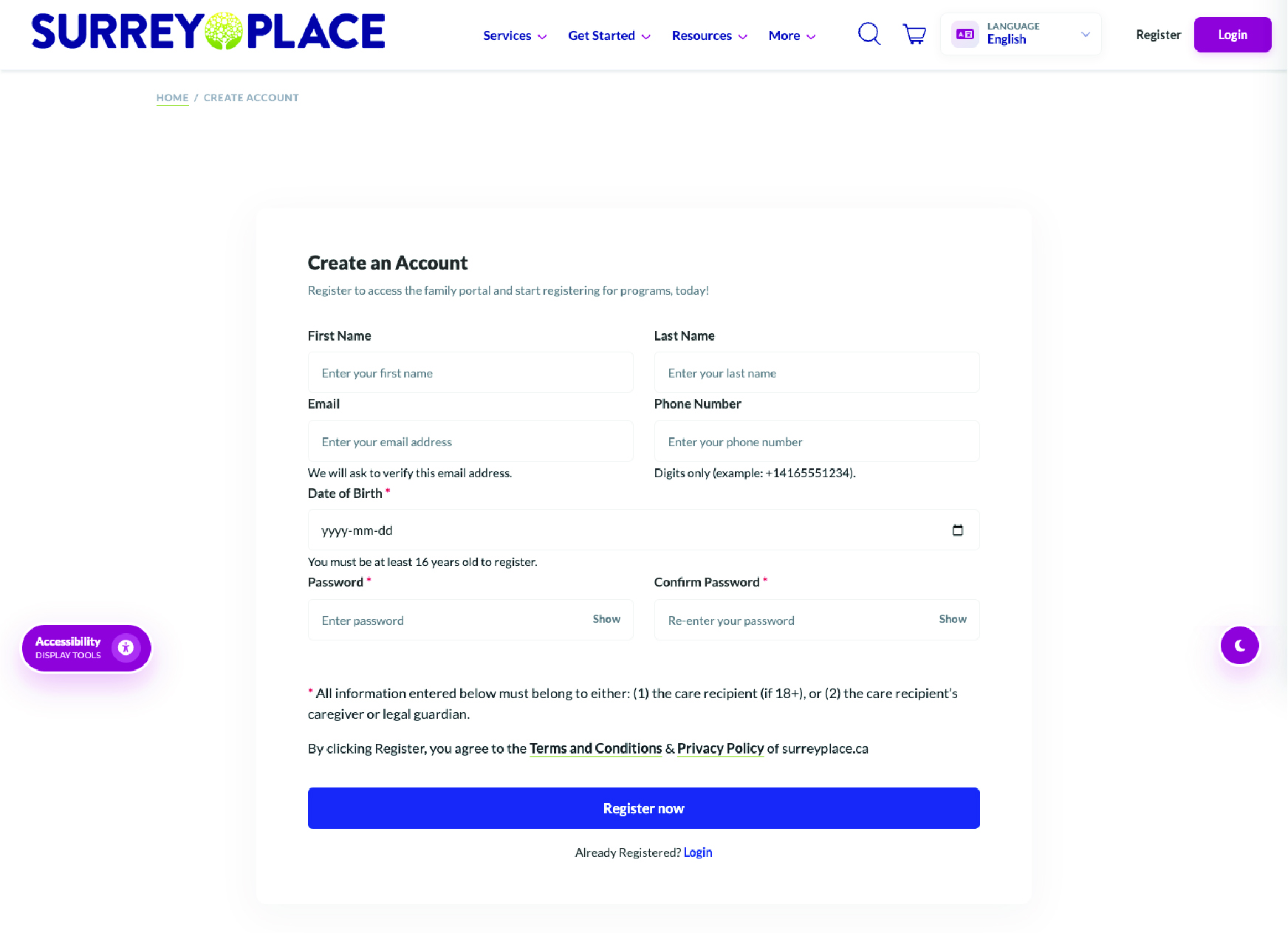
You will be redirected to Create an Account page. It contains the following fields:
- First Name
- Last Name
- Phone Number
- Date of Birth
- Password
- Confirm Password
Step 2:
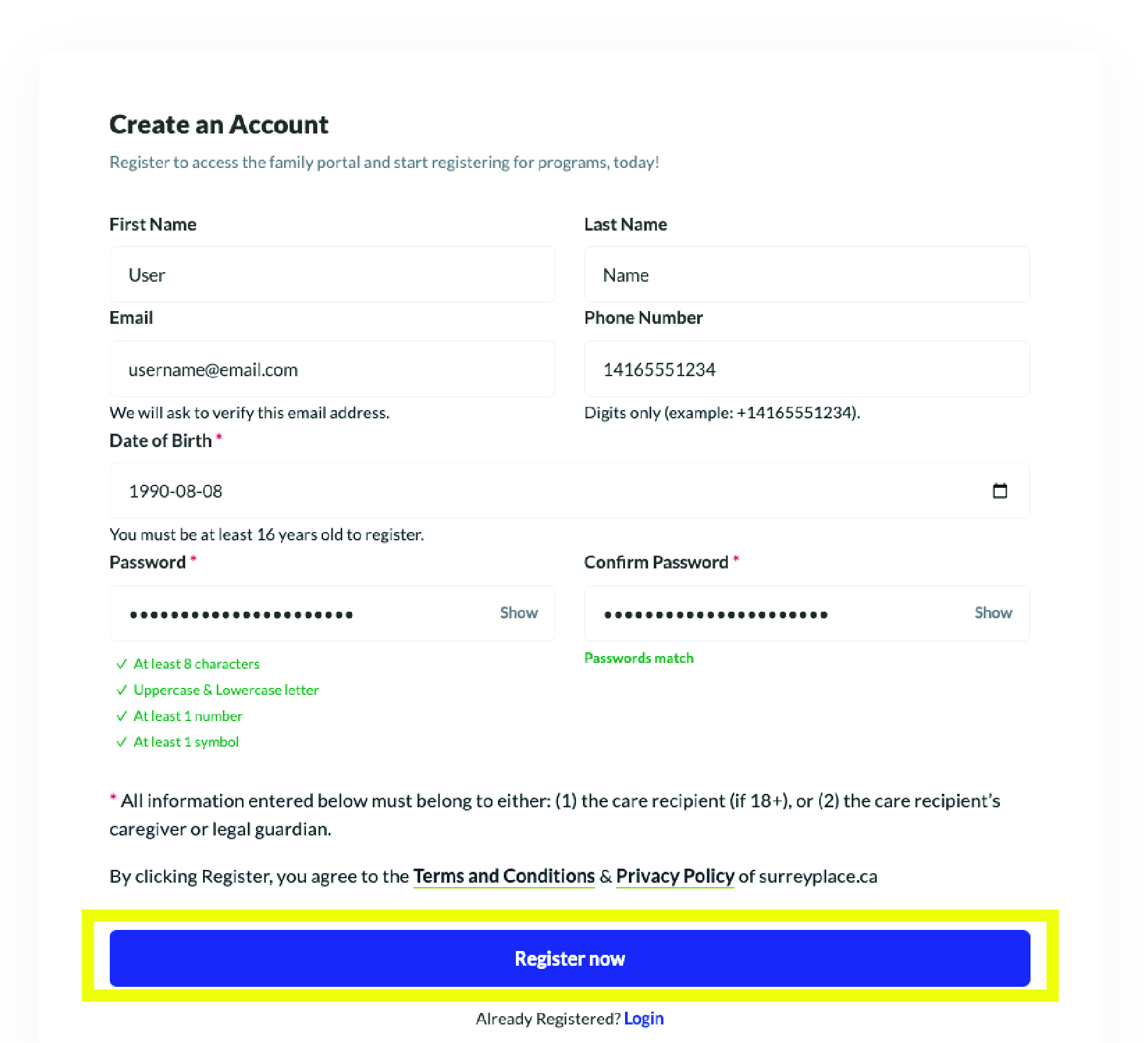
- Fill out each field. (To fill out each field, click and type.)
- Once complete, select Register Now
Helpful Reminder:
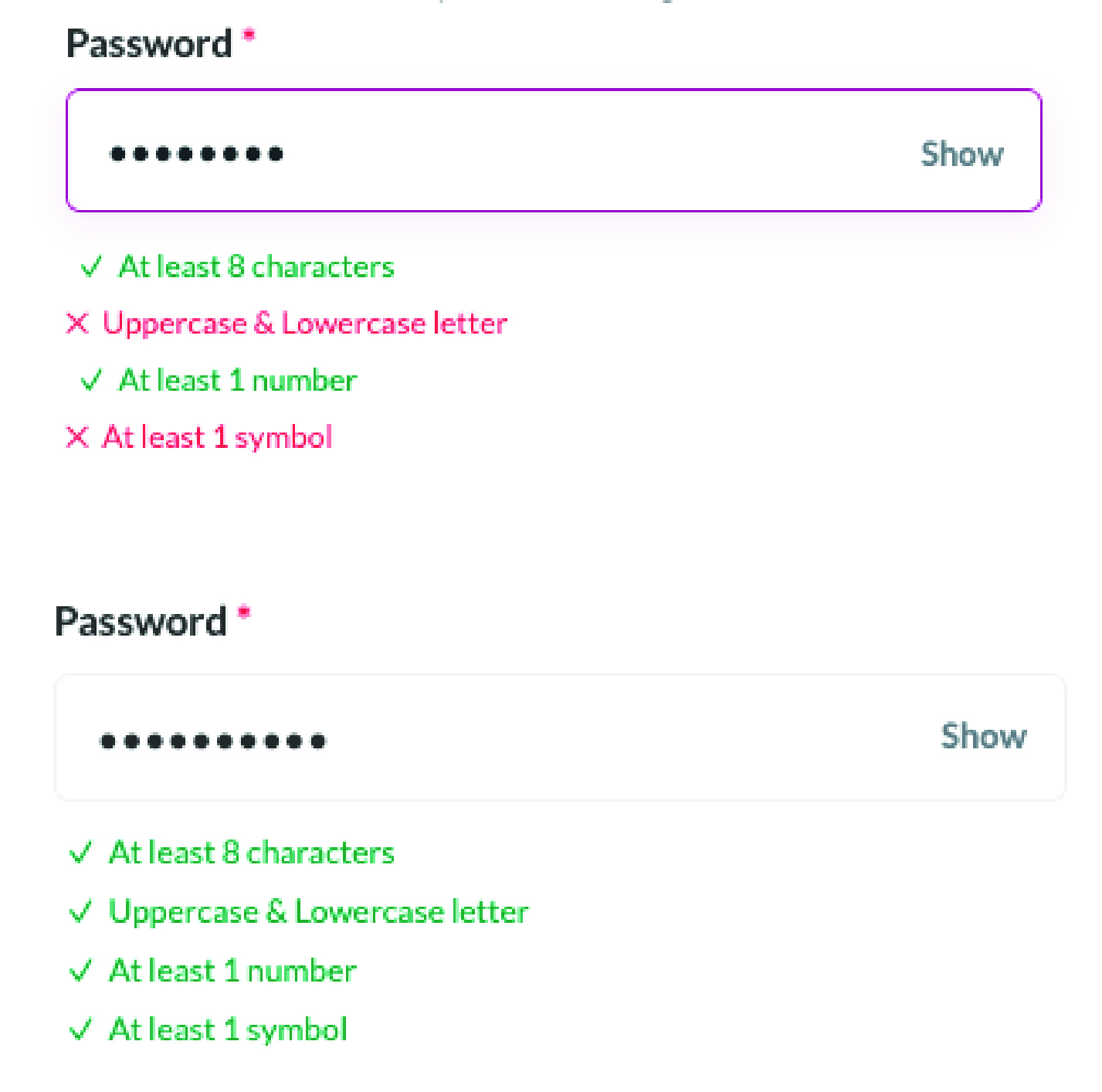
A password must have the
following:
following:
- 4 At least 8 characters
- 4 Uppercase and Lowercase letters
- 4 At least 1 number
- 4 At least 1 symbol
You will be shown what is not valid
(✖) and what is (✔).
When all 4 requirements are met
you will see all ✔
Step 3:
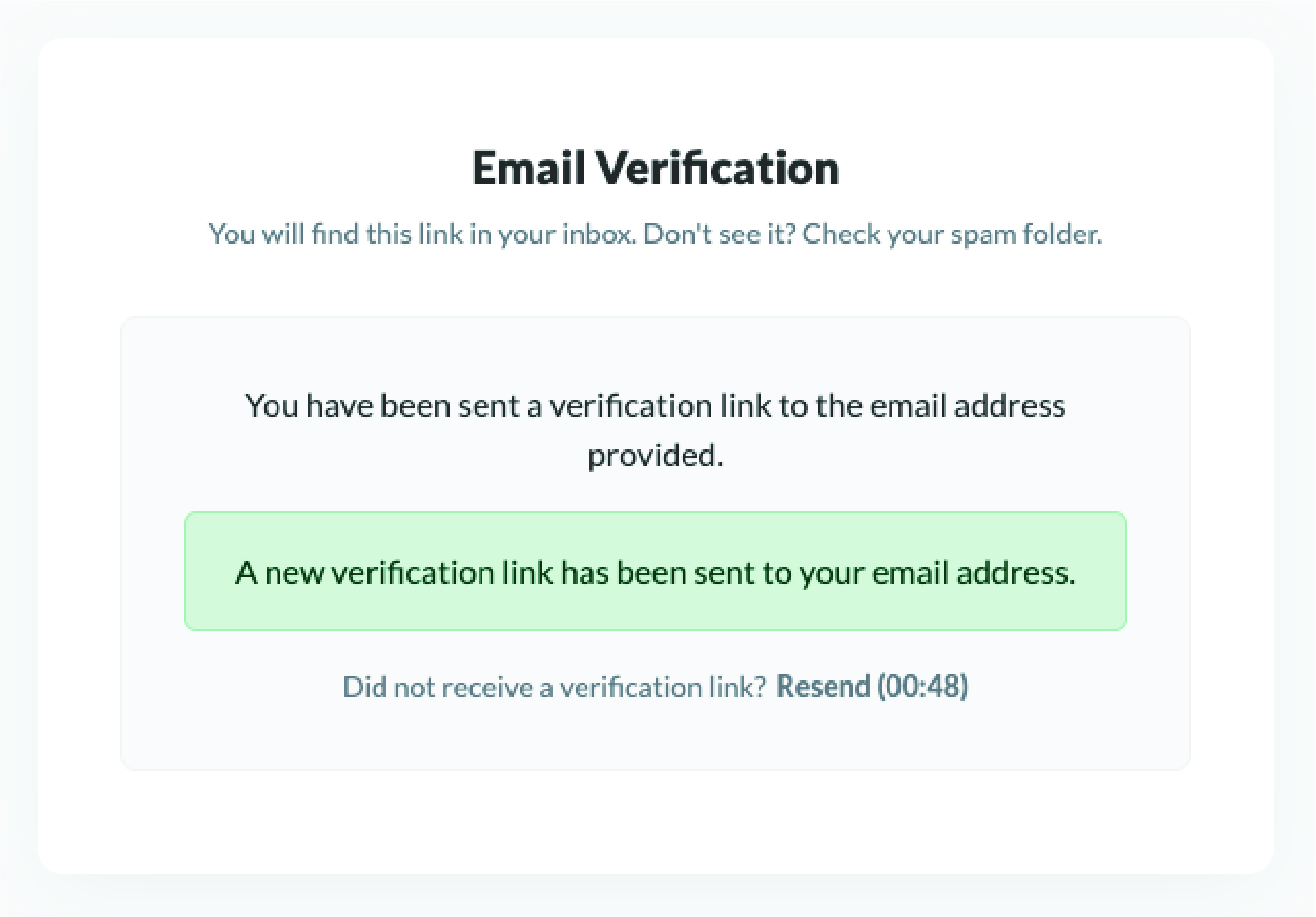
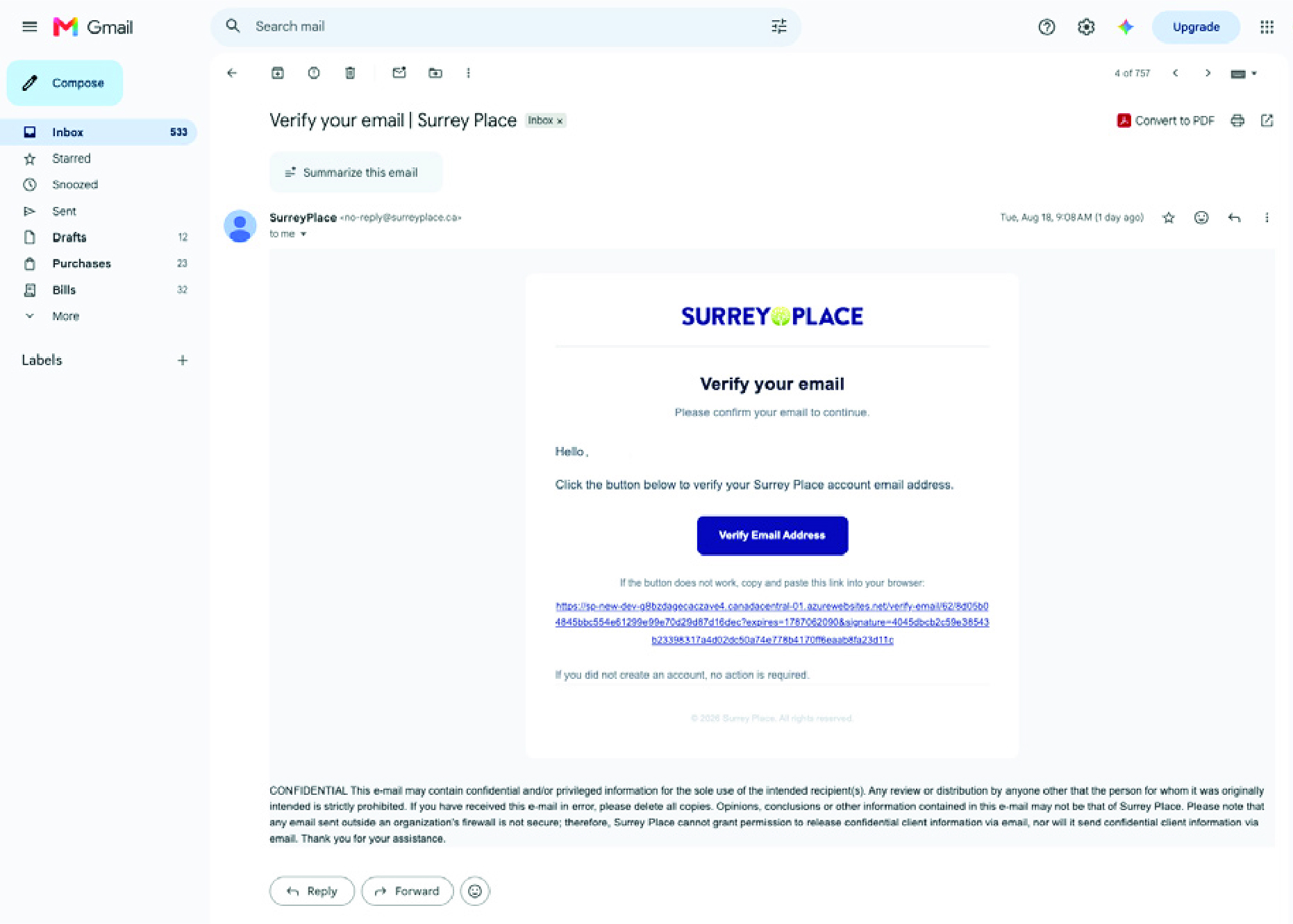
- You will now need to verify you email address.
- A 6-digit verification code will be sent to your email.
Step 4:
- Navigate to your email and copy the 6-digit verification code.
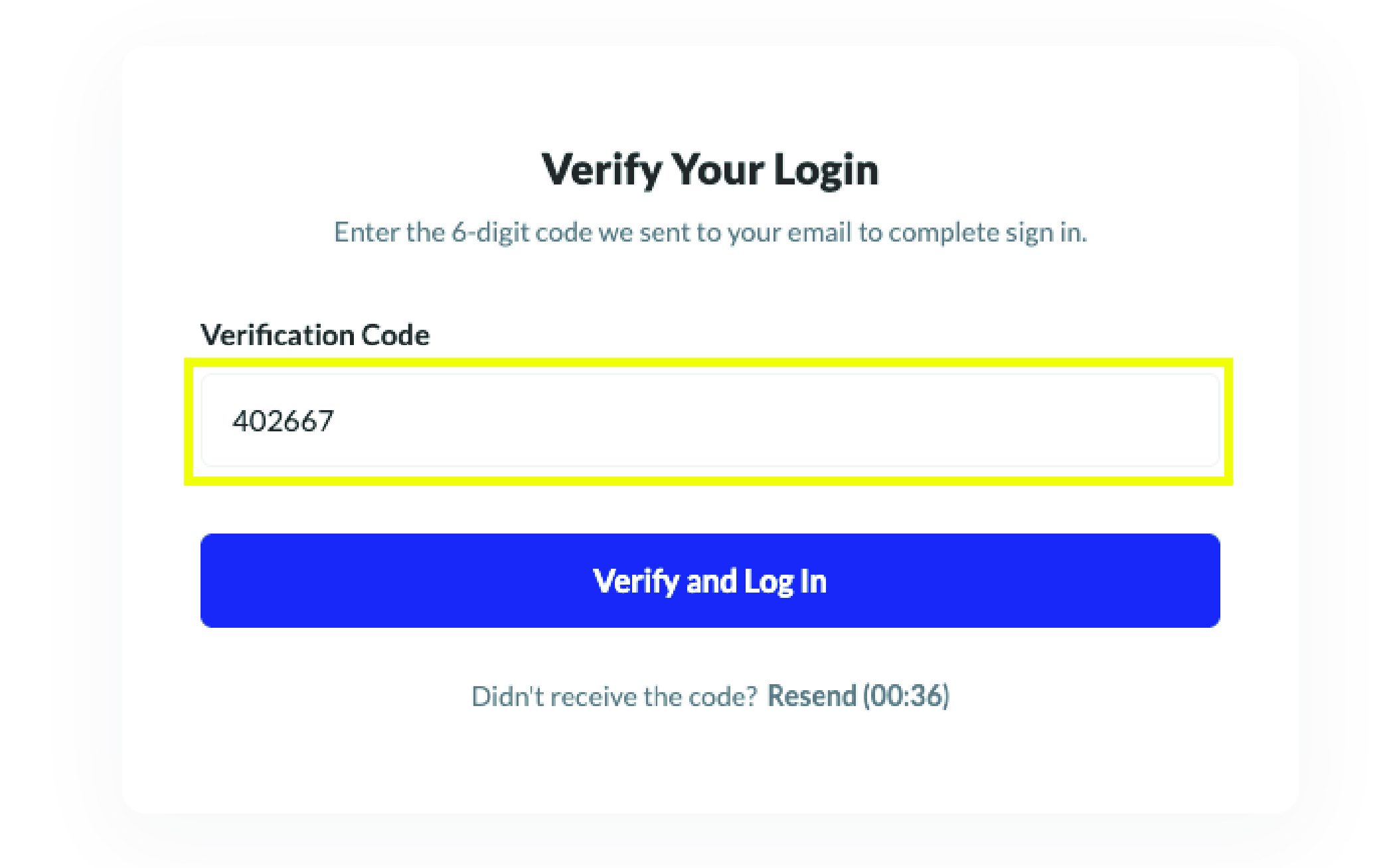
Step 5:
- Enter the 6-digit code that you copied from your email then click Verify and Login.
Congratulations, you are now registered! You will be redirected to the User Dashboard.
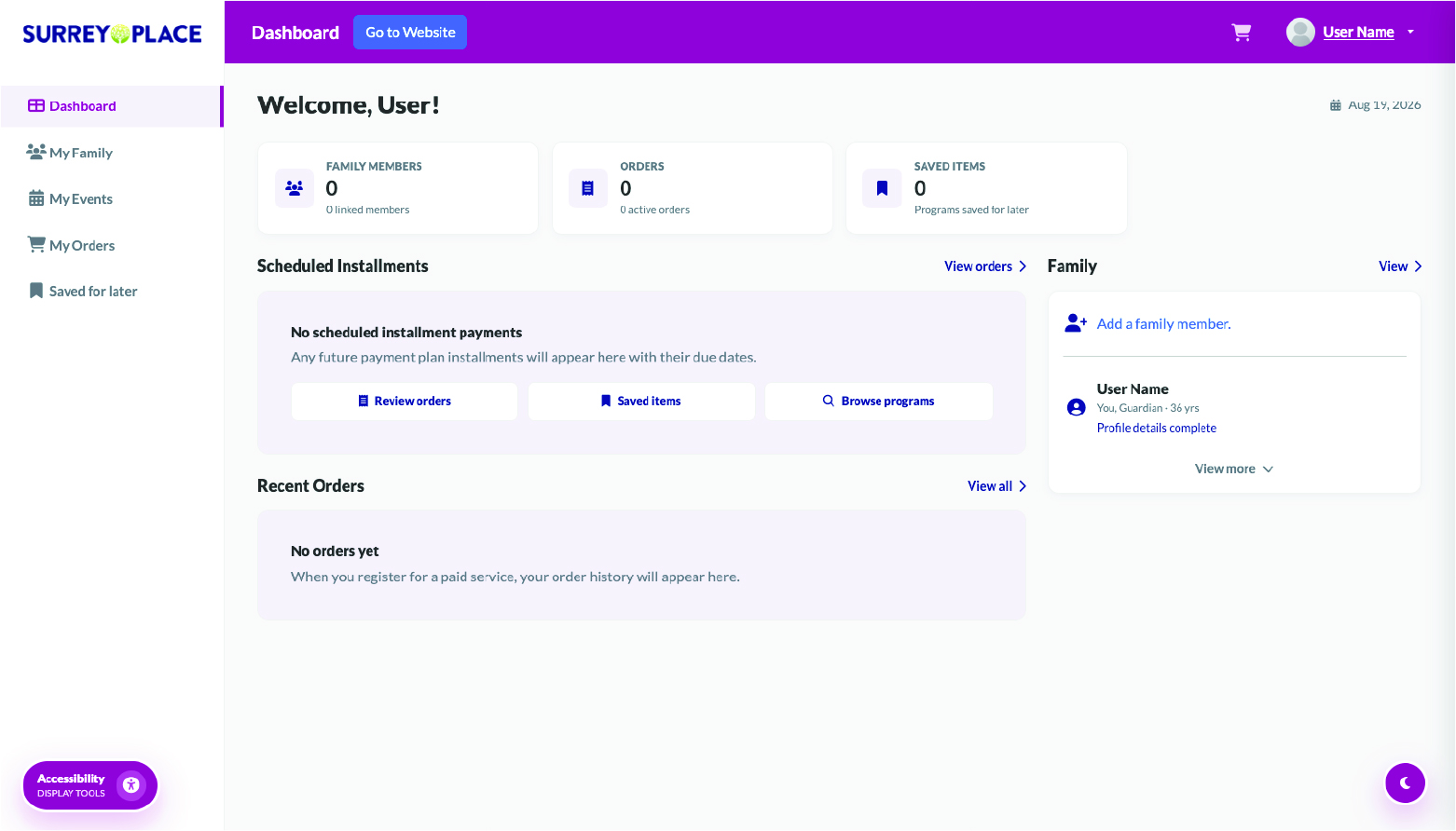
Next Steps:
- You are now ready to start registering for services.
- To add another person to the account, select Add A Family Member.

 Invert Colors
 Dark Contrast
 Low Saturation
 Highlight Links
 Text Spacing
 Text Size
 Readable Font
 Reading Cursor
 Line Height
 Text Alignment
 Align Left
 Align Center
 Justify Text